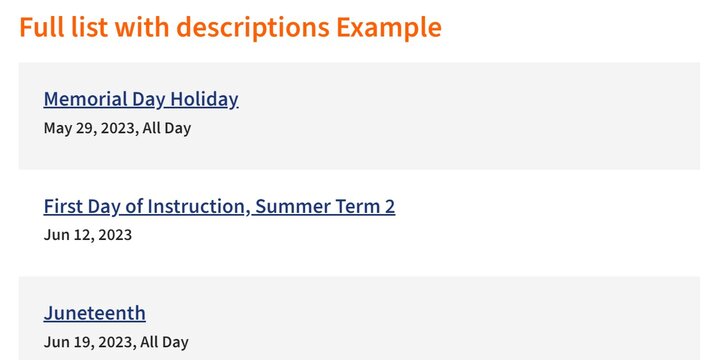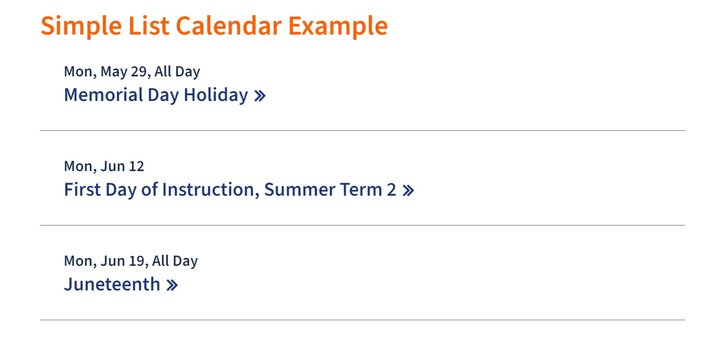
With the Illinois Framework, you can now easily embed a Webtools calendar anywhere on your site. There is some additional configuration you will need to do in Webtools to ensure that your calendar displays correctly. Follow the instructions for calendar setup here.

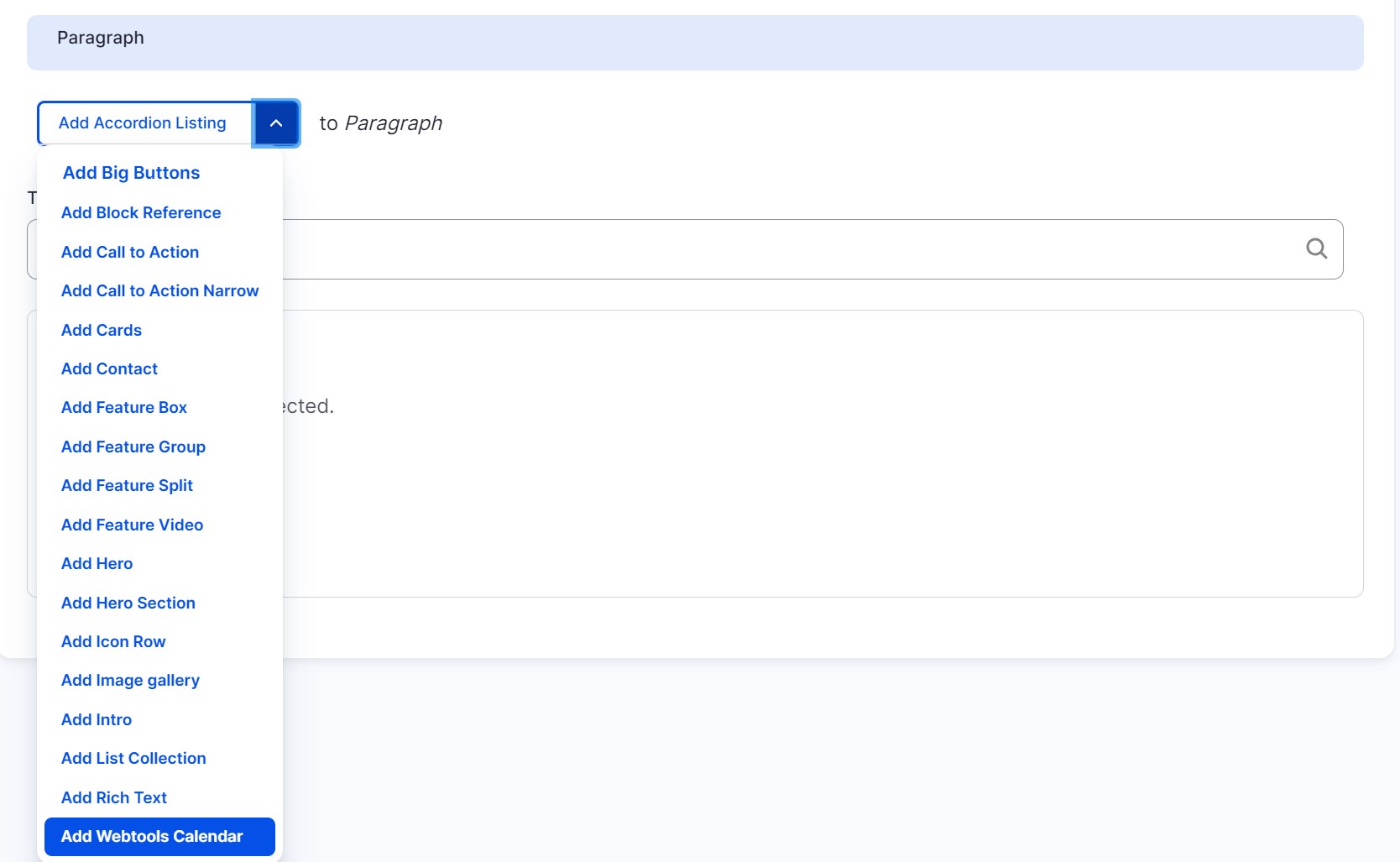
- To add a Webtools calendar select 'Add Webtools Calendar' from the Paragraphs dropdown
Image
- Enter a title for your calendar (optional)
- Enter the Calendar ID. This can be found by logging into your webtools.illinois.edu account. Go to Calendars > Manage to see a list of all the calendars you have access to. The calendar ID is the four-digit number in the far right column.
You can also find the Calendar ID in your calendar URL. It is the last four digits of the URLImage
Image
- Select a Calendar Type. There are four types of Calendar displays you can choose from, each with their own set of setup instructions. Links to instructions for each calendar setup are below.